
How-To Guide · Usage & Handling · Educational
How to Use Wholemelt V7: A Practical Guide for First-Time and Bulk Buyers
The Wholemelt V7 is designed for users and buyers who want a screen-equipped disposable format with clear usage feedback. This guide explains how to properly use, charge, and store the device, while also helping brand and wholesale buyers understand operational considerations that matter at scale.
Key Takeaways Before Using Wholemelt V7
- No buttons or setup required—draw-activated operation.
- The screen displays battery and usage status in real time.
- Proper charging and storage help maintain consistent performance.
- Understanding normal indicators reduces misuse and support issues.
What Is the Wholemelt V7 Format?
Basic Design Overview
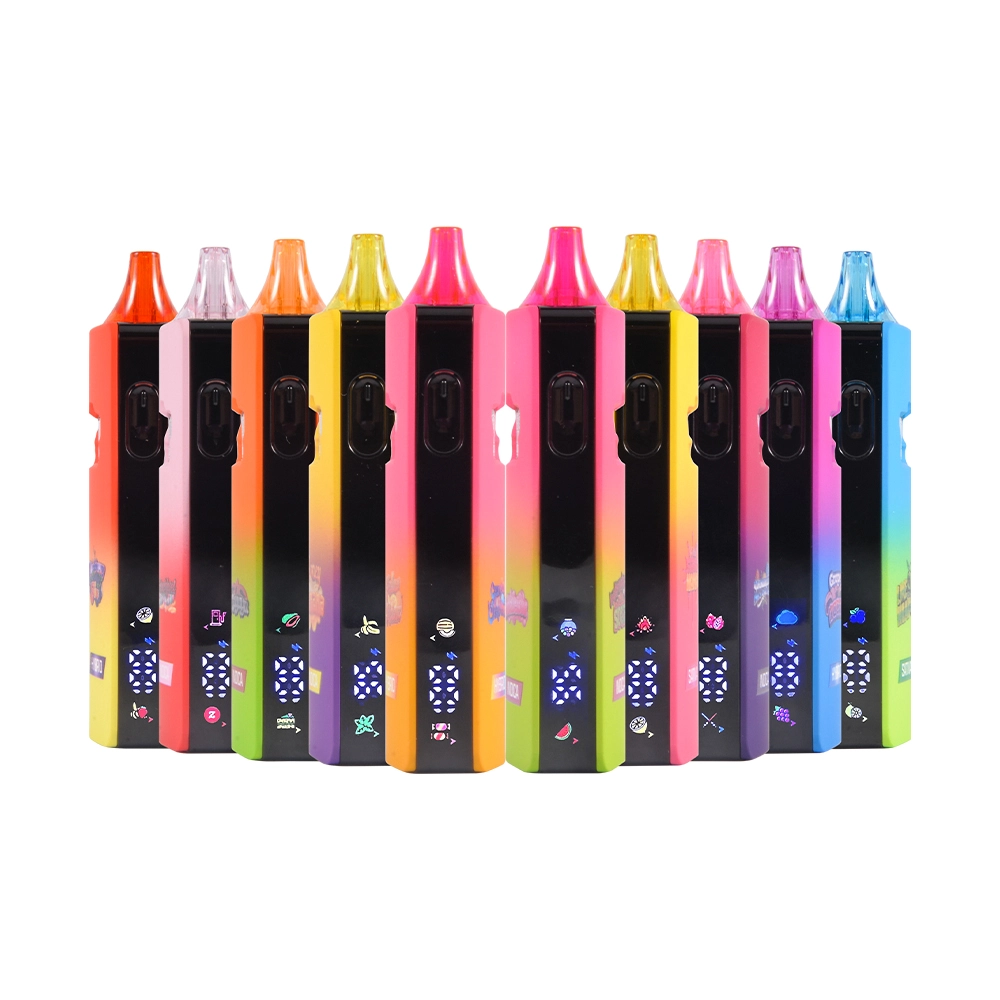
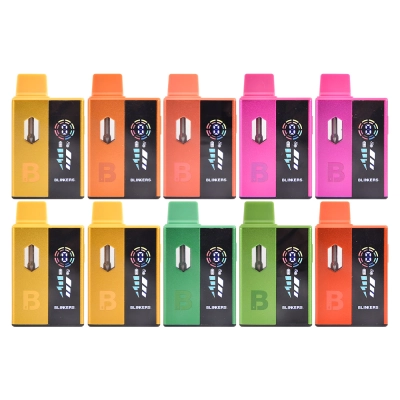
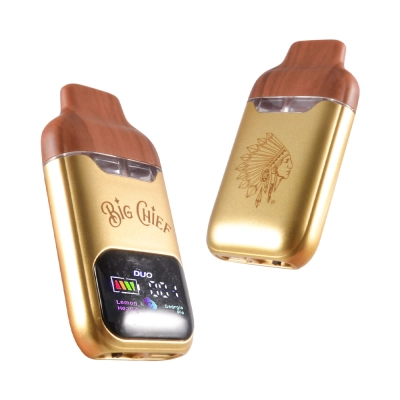
The V7 uses a compact disposable structure with an integrated screen, allowing users to monitor battery levels and device status without guessing.
Who This Device Is Designed For
It is commonly used by customers who prefer visual feedback during use, as well as brands that want to reduce post-sale questions related to charging and power status.
Step-by-Step: How to Use Wholemelt V7
Step 1: Check the Screen Before First Use
Before using the device, look at the screen to confirm that the battery indicator shows sufficient charge. A low battery display means charging is recommended before use.
Step 2: Inhale Gently to Activate
The Wholemelt V7 is draw-activated. A steady, moderate inhale is recommended instead of short, forceful pulls.
Step 3: Monitor Status During Use
The screen provides real-time feedback, helping users understand when the device is active or when charging is needed.
How to Charge Wholemelt V7 Safely
Recommended Charging Method
Use a standard low-output USB power source. Avoid fast chargers or high-watt adapters, which can shorten battery lifespan.
Typical Charging Time
Charging usually completes within a short window. Once the screen indicates a full battery, unplug the device promptly.
Common Usage Mistakes to Avoid
Overcharging the Device
Leaving the device plugged in long after reaching full charge may degrade battery performance over time.
Storing in High-Heat Environments
Excessive heat can impact internal components. Store devices in a cool, dry place when not in use.
Understanding the Screen Indicators
Battery Level Display
The screen shows remaining battery capacity, allowing users to plan charging instead of experiencing sudden shutdowns.
Active or Idle Status
Visual feedback helps distinguish between normal idle behavior and low-power conditions.
Operational Notes for Retailers and Buyers
Reducing Customer Support Questions
Devices with screens often generate fewer “is it dead?” inquiries, making them easier to manage at retail.
Consistency Across Batches
Buyers sourcing the wholemelt v7 disposable 2ml with screen typically value consistent screen behavior across units for smoother distribution.
Wholesale and Bulk Considerations
Why Screen-Equipped Devices Matter at Scale
For distributors working with whole melts wholesale, screen visibility helps standardize user expectations and reduce returns.
Inventory Planning for Bulk Orders
Brands sourcing through empty whole melts disposable programs often factor in packaging, charging guidance inserts, and storage conditions as part of rollout planning.
Frequently Asked Questions
Does the screen affect battery life?
The screen uses minimal power and is designed to provide information without significantly impacting overall usage time.
Is the device ready to use out of the box?
Most units ship partially charged, but checking the screen before first use is always recommended.




0 Comments